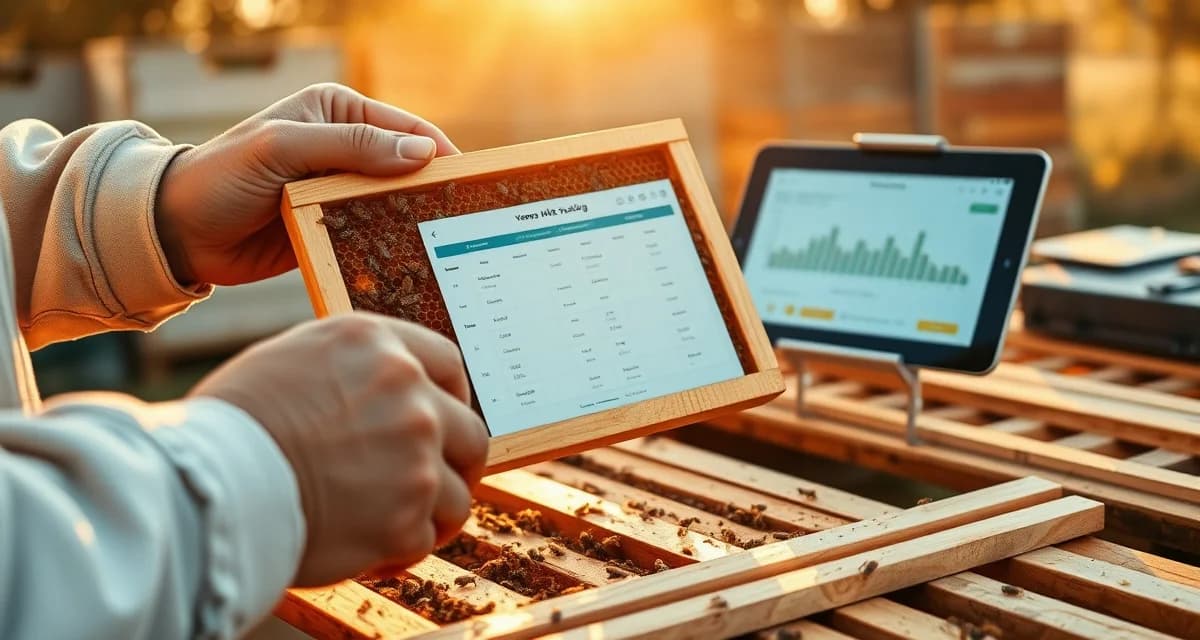
VarroaVault Onboarding Guide: Set Up Your Account in 15 Minutes
New VarroaVault accounts that complete all 6 onboarding steps within 7 days have a 94% 90-day retention rate. That means if you get set up properly in your first week, you almost certainly stick with it. This guide walks you through all 6 steps.
Set a 15-minute timer. Let's go.
TL;DR
- VarroaVault's onboarding guide is designed specifically for varroa mite tracking and PHI compliance
- Setup takes under 30 minutes for most beekeeping operations
- All data is securely stored and exportable as formatted PDF for state inspections
- Free trial available with no credit card required
- Mobile app access works offline at remote apiaries without cell service
- Efficacy scoring and resistance trend flagging are built-in features unavailable in general beekeeping apps
Step 1: Create Your Account (2 minutes)
Go to varroavault.com and click "Start Free Trial." Enter your email address, create a password, and verify your email. No credit card required for the 14-day trial.
After verification, you'll land on the welcome screen. VarroaVault's progress tracker shows your onboarding completion percentage and the next step to complete. Right now you're at 0%. By the end of this guide you'll be at 100%.
Step 2: Set Up Your Apiary (3 minutes)
Click "Add Apiary" from the welcome screen or dashboard.
Enter:
- Apiary name: Something that makes geographic sense to you ("Backyard," "Smith Farm," "Route 9 Yard")
- Location: City and state, or zip code. VarroaVault uses this for climate-aware treatment recommendations and temperature compliance checks.
- Hive count: How many active colonies in this location
If you have more than one yard, add each as a separate apiary. VarroaVault tracks mite counts, treatments, and alerts independently for each apiary.
Click Save. Your first apiary is created.
Step 3: Add Your Hives (3 minutes)
Click "Add Hive" within your apiary. For each hive, enter:
- Hive ID or name: Your existing numbering system, colors you paint, or any system that matches your physical labels
- Hive type: Langstroth, Warré, Top Bar, Flow Hive, Nuc (VarroaVault adjusts dose recommendations by hive type)
- Date established: When this colony was started or last acquired
- Notes: Queen source, breed, any relevant history
Add all your hives now. If you have 10 hives, add all 10. If you have 50, use the bulk import feature: download the CSV template, fill it in with your hive list, and upload it. This adds all hives at once.
Step 4: Log Your First Mite Count (3 minutes)
You don't need a fresh count to complete this step; you can enter a recent count you've already done, or log a practice count from a standard sample.
Click on any hive name, then click "Log Count."
Enter:
- Date: When the count was performed
- Method: alcohol wash, sugar roll, or sticky board
- Sample size: Number of bees (enter 300 if you did a standard wash)
- Mites found: The number of mites you counted
- Sampling location: Brood nest, middle box, entrance
VarroaVault automatically calculates your infestation percentage and compares it to the current seasonal threshold. If you're above threshold, the hive card turns red on your dashboard. Below threshold, it's green.
Log a count for at least one hive to complete this step.
Step 5: Configure Your Threshold Alerts (2 minutes)
Go to Settings > Notifications.
- Enter and verify your mobile phone number for SMS alerts
- Confirm your email address for email alerts
- Review the five alert types and toggle them on or off:
- Threshold approach alert (14 days before projected breach)
- Count overdue alert
- PHI expiry alert
- Treatment step reminder
- Resistance flag alert
The default is all five enabled. For most beekeepers, keeping all five on is the right choice.
Scroll down to Threshold Settings. The default thresholds are:
- 3% during active season (April-September)
- 2% August through October (pre-winter period)
If you want different thresholds for specific hives (lower for nucs, higher for treatment-trial colonies), you can set hive-specific overrides in each hive's settings.
Step 6: Set Up Your Monitoring Schedule (2 minutes)
Go to Settings > Monitoring Schedule.
VarroaVault defaults to monthly count reminders from April through October, with a winter broodless check reminder in November. This matches the HBHC minimum monitoring standard.
Adjust if needed:
- Increase frequency to every 3 weeks during high-pressure periods (July-August)
- Add a post-swarm count reminder if you're in swarm season
- Set up post-treatment count reminders based on your current treatment
Click Save. Your first annual monitoring calendar is set.
You're Done
VarroaVault's progress tracker should now show 100% onboarding complete. Your dashboard shows all your hives with their current status. Any hive above threshold is highlighted. Your first count reminder is scheduled.
From here, the app runs in the background of your beekeeping season. You log counts when you test, log treatments when you apply them, and VarroaVault handles the reminders, calculations, and trend tracking automatically.
See also: VarroaVault varroa mite treatment software and How to set up a varroa treatment program.
Frequently Asked Questions
How do I add my first hive to VarroaVault?
Click "Add Hive" within your apiary in the VarroaVault dashboard. Enter the hive name or ID, hive type, and date established. For multiple hives, use the bulk import CSV to add all hives at once. After adding hives, log at least one mite count to activate the trend tracking and alert system.
How long does VarroaVault onboarding take?
Completing all 6 onboarding steps takes approximately 15 minutes for a single apiary with up to 10 hives. Larger operations using bulk import can add up to 50 hives in the same time. Accounts that complete all 6 steps within 7 days have a 94% 90-day retention rate.
What should I do first after creating my VarroaVault account?
Add your apiary and hives, then log at least one mite count (even a recent historical one) to activate your trend graph. Then configure your threshold alerts in Settings > Notifications. This gets you to a functional state where the app is working for you rather than waiting for you.
How do I know if my varroa treatment is working?
Run a mite count 2-4 weeks after the treatment ends and compare it to your pre-treatment count. The efficacy formula is: ((pre-count - post-count) / pre-count) x 100. A result above 90% indicates effective treatment. Results below 80% should trigger investigation for possible resistance, application error, or reinfestation. Log both counts in VarroaVault to track efficacy trends across treatment cycles.
How often should I check mite levels in my hives?
At minimum, once per month (every 3-4 weeks) during the active season. Increase to every 2 weeks when counts are near threshold or after a treatment to verify it worked. In fall, monitoring frequency matters most because the window to treat before winter bees are raised is narrow. VarroaVault's monitoring reminders can be set to your preferred interval for each apiary.
What records should I keep for varroa management?
Each record should include: date of count or treatment, hive identifier, monitoring method used, number of bees sampled, mites counted, infestation percentage, treatment product name and EPA registration number, dose applied, treatment start and end dates, and PHI end date. State apiarists typically expect this level of detail during inspections. VarroaVault captures all of these fields in a single log entry.
What is VarroaVault Onboarding Guide: Set Up Your Account in 15 Minutes?
VarroaVault's onboarding guide is a step-by-step walkthrough that helps beekeepers set up their varroa mite tracking account in 15 minutes or less. It covers all 6 required onboarding steps, including apiary setup, hive configuration, and compliance settings. The guide is designed specifically for varroa management and PHI compliance, with a built-in progress tracker showing completion percentage. Accounts that finish all 6 steps within 7 days retain at a 94% rate over 90 days.
How much does VarroaVault Onboarding Guide: Set Up Your Account in 15 Minutes cost?
VarroaVault offers a 14-day free trial with no credit card required, so new users can complete the full onboarding process at no cost. Paid plan pricing is available on the VarroaVault website. The platform includes features unavailable in general beekeeping apps, such as efficacy scoring, resistance trend flagging, and formatted PDF exports for state inspections, making it a specialized tool that justifies its subscription cost for serious beekeeping operations.
How does VarroaVault Onboarding Guide: Set Up Your Account in 15 Minutes work?
VarroaVault works by guiding users through 6 structured onboarding steps that configure their apiaries, hives, and varroa tracking preferences. Once set up, beekeepers log mite counts, treatments, and inspection data directly in the app. The platform scores treatment efficacy, flags resistance trends, and stores all records securely. Data is exportable as a formatted PDF for regulatory inspections. The mobile app works offline, so beekeepers can log data at remote apiaries without cell service.
What are the benefits of VarroaVault Onboarding Guide: Set Up Your Account in 15 Minutes?
VarroaVault's onboarding delivers several advantages: a structured setup that takes under 30 minutes, offline mobile access for remote apiaries, built-in efficacy scoring and resistance trend detection, and PHI-compliant data storage. Records export as formatted PDFs for state inspections. Unlike general beekeeping apps, VarroaVault is purpose-built for varroa management, meaning every feature is relevant to mite control decisions. Completing onboarding within the first week dramatically increases long-term adoption and treatment consistency.
Who needs VarroaVault Onboarding Guide: Set Up Your Account in 15 Minutes?
VarroaVault is built for any beekeeper who needs to track varroa mite loads and treatment outcomes systematically. It is especially valuable for hobbyists managing multiple hives, commercial operations requiring PHI compliance documentation, and beekeepers dealing with recurring mite pressure or suspected treatment resistance. State inspectors and apiary consultants who need exportable treatment records also benefit. If you manage more than a few hives and want data-driven varroa control rather than guesswork, this onboarding guide is your starting point.
Sources
- American Beekeeping Federation (ABF)
- USDA ARS Bee Research Laboratory
- Honey Bee Health Coalition
- Penn State Extension Apiculture Program
- Project Apis m.
Get Started with VarroaVault
The information in this guide is most useful when you have your own mite count data to apply it to. VarroaVault stores every count, flags threshold crossings automatically, and builds the treatment history you need for state inspections and effective management decisions. See pricing and free tools at varroavault.com.