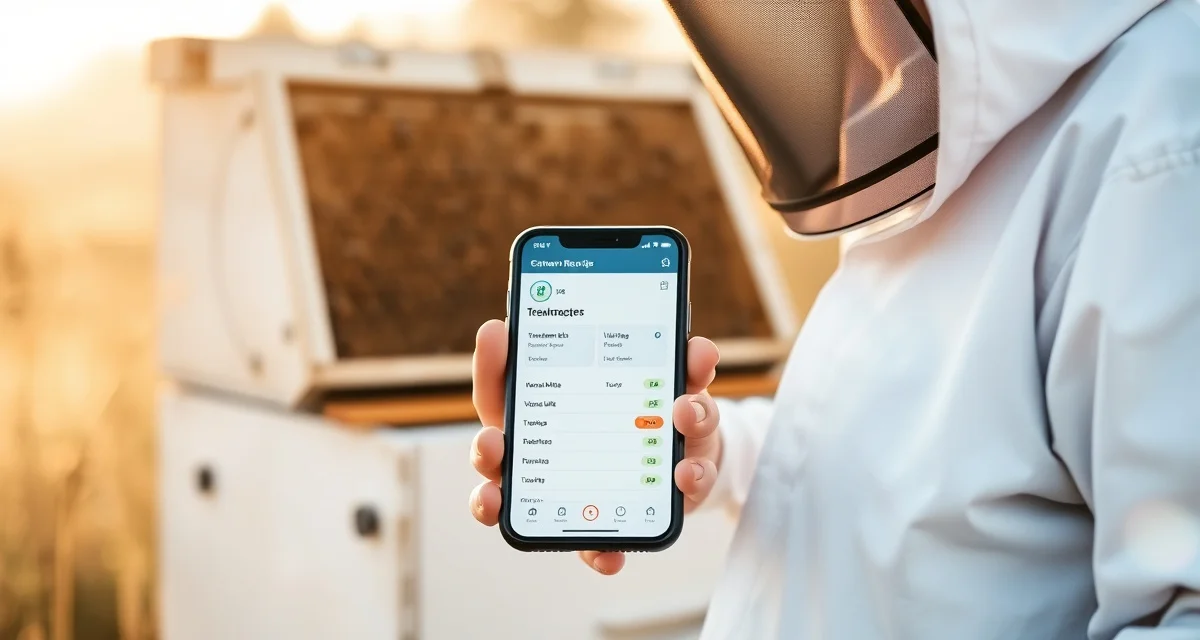
Varroa Treatment Recording in the Field: Using VarroaVault Mobile
Beekeepers who log data in the field have 3x better data completeness than those who try to remember later. That's not a surprise if you've ever tried to reconstruct a month of hive visits from memory at the end of September. Which colonies got the MAQS? When exactly were the strips put in? Was that 20 colonies or 22? What did the count say on Hive 7 before you treated?
By the time you're sitting at your kitchen table two days after a treatment run, the details are gone. What's left is a rough estimate, which is worse than nothing for record-keeping purposes because it looks like a real record.
TL;DR
- This guide covers key aspects of varroa treatment recording in the field: using varroavault m
- Mite monitoring should happen at minimum every 3-4 weeks during active season
- The 2% threshold in spring/summer and 1% in fall are standard action points based on HBHC guidelines
- Always run a pre-treatment and post-treatment mite count to calculate efficacy
- Treatment records including product name, EPA number, dates, and counts are required for state inspection compliance
- VarroaVault stores all monitoring and treatment data with automatic threshold comparison and state export formatting
The Field Data Problem
The most common reason beekeeping records are incomplete or inaccurate is simple: the recording step gets separated from the doing step. You do the count, mental-note the result, plan to enter it later, and then later never quite happens. Or you get to the end of a treatment day with 15 hives and remember the first three clearly and the last ones as a blur.
The fix isn't better memory. It's recording at the hive, while the information is fresh, before you close the box and move to the next one.
VarroaVault's mobile interface guides you through the count, treatment, and efficacy loop in real time at the hive. You log the count, the app tells you whether you're above threshold, you log the treatment if warranted, and the app sets your post-treatment count reminder automatically. All of this takes about 90 seconds per hive.
How the Mobile Interface Works in the Apiary
The mobile app is designed for use with gloves on, in bright sunlight, with a veil on. The buttons are large. The workflow is linear and guided. You don't have to navigate menus or remember where things are. The most common actions are always one tap away from the hive dashboard.
At inspection time:
- Open VarroaVault and tap your hive from the dashboard.
- Tap "Log Count." Enter bees sampled and mites found. The app calculates your percentage and compares it to the seasonal threshold.
- If you're above threshold, the app prompts you to log a treatment or set a treatment reminder.
- If you're treating, log the product, dose, and date. The PHI clearance date calculates automatically.
- The app sets your post-treatment count reminder based on the treatment's recommended verification window.
During a treatment run without a count:
- Open the hive, tap "Log Treatment."
- Select product, enter dose, confirm date.
- Done. Move to the next hive.
Batch treatment logging allows you to apply a single treatment entry to all hives in an apiary at once, cutting the data entry for a 20-hive treatment day from 10 minutes to 2 minutes.
Cell Signal in Remote Locations
Many apiaries are in locations without reliable cell service. VarroaVault's mobile app works fully offline. All data entered without signal syncs automatically when you return to a connected location. You can do a full day's logging in the field with no signal and everything uploads when you get back to the truck or the house.
This is important because it removes the last excuse for not logging in the field. No signal is no longer a barrier.
What Gets Logged vs. What Gets Missed
The comparison is stark. An operation using paper notebooks logs data when inspections happen and the weather cooperates for writing. An operation using VarroaVault mobile logs everything immediately, with automatic timestamps, calculations, and reminders.
After six months, the paper operation has a collection of notes with inconsistent detail, some missing dates, and no easy way to analyze trends. The VarroaVault operation has a complete history with count trends visible as graphs, treatment records with PHI dates, and reminder history showing whether treatments were triggered by threshold breaches or calendar schedule.
The VarroaVault varroa management record keeping templates and the mite count log with efficacy calculator are integrated into the mobile workflow. What you enter in the field populates the desktop dashboard and the compliance record simultaneously.
Frequently Asked Questions
Can I log varroa counts on my phone in the field?
Yes. VarroaVault's mobile app is designed for in-field use. It works with gloves on, in bright light, with no cell signal (data syncs when you reconnect). You enter bees sampled and mites found, and the app calculates percentage, compares it to threshold, and guides you through the treatment decision and logging if needed.
Does VarroaVault have a mobile app for beekeeping?
Yes. The VarroaVault mobile app is available for iOS and Android. It provides full access to your hive dashboard, count logging, treatment logging, PHI tracking, and monitoring reminders. It works offline with automatic sync. The mobile interface is built specifically for apiary conditions with large tap targets and a guided linear workflow.
How does VarroaVault's mobile interface work in the apiary?
The workflow is designed to follow your natural inspection flow: open hive, check bees, log count, make treatment decision, log treatment. Each step guides you to the next. The app pre-fills information it already knows (apiary, hive ID, date, time) so you're only entering new data. Batch logging lets you apply one treatment across multiple hives in an apiary with a few taps. Everything saves immediately and syncs when you're back in coverage.
How do I know if my varroa treatment is working?
Run a mite count 2-4 weeks after the treatment ends and compare it to your pre-treatment count. The efficacy formula is: ((pre-count - post-count) / pre-count) x 100. A result above 90% indicates effective treatment. Results below 80% should trigger investigation for possible resistance, application error, or reinfestation. Log both counts in VarroaVault to track efficacy trends across treatment cycles.
How often should I check mite levels in my hives?
At minimum, once per month (every 3-4 weeks) during the active season. Increase to every 2 weeks when counts are near threshold or after a treatment to verify it worked. In fall, monitoring frequency matters most because the window to treat before winter bees are raised is narrow. VarroaVault's monitoring reminders can be set to your preferred interval for each apiary.
What records should I keep for varroa management?
Each record should include: date of count or treatment, hive identifier, monitoring method used, number of bees sampled, mites counted, infestation percentage, treatment product name and EPA registration number, dose applied, treatment start and end dates, and PHI end date. State apiarists typically expect this level of detail during inspections. VarroaVault captures all of these fields in a single log entry.
What is Varroa Treatment Recording in the Field: Using VarroaVault Mobile?
VarroaVault Mobile is a field-ready beekeeping app designed to capture varroa mite counts and treatment records at the hive in real time. Instead of relying on memory or paper notes, beekeepers log mite wash results, treatment products, EPA registration numbers, and application dates directly from their phone during each hive visit. The data syncs automatically, compares counts against HBHC thresholds, and formats records for state inspection compliance exports.
How much does Varroa Treatment Recording in the Field: Using VarroaVault Mobile cost?
VarroaVault offers a free trial so you can start logging mite counts and treatment records without upfront commitment. Pricing details for continued access are available on the VarroaVault website. Given that accurate treatment records are required for state inspection compliance and directly affect colony survival decisions, the cost is typically offset by the value of reliable data and the time saved reconstructing records from memory after each apiary visit.
How does Varroa Treatment Recording in the Field: Using VarroaVault Mobile work?
During a hive inspection, you open the app, select the colony, and enter the mite count from your alcohol wash or sugar roll. If counts exceed the 2% threshold in spring or summer, or 1% in fall, the app flags the colony for treatment. You log the product name, EPA number, strip-in date, and strip-out date on the spot. Post-treatment counts are recorded the same way, giving you automatic efficacy calculations without any manual math.
What are the benefits of Varroa Treatment Recording in the Field: Using VarroaVault Mobile?
Beekeepers who log data in the field have three times better data completeness than those who reconstruct records later. VarroaVault eliminates guesswork about which colonies were treated, when strips were applied, and what the pre-treatment counts showed. It also automatically compares counts against standard thresholds, calculates treatment efficacy, and formats all records into state-compliant export files, reducing the administrative burden at inspection time and supporting better treatment decisions across the whole operation.
Who needs Varroa Treatment Recording in the Field: Using VarroaVault Mobile?
Any beekeeper managing multiple colonies benefits from field recording, but it is especially valuable for commercial and sideliner operations where treatment runs cover 20 or more hives across multiple yards. Hobbyists preparing for state inspections also need compliant records. If you have ever tried to remember which hive got which treatment two weeks after a busy weekend in the apiary, VarroaVault Mobile solves exactly that problem by capturing accurate data at the moment it exists.
Related Articles
Sources
- American Beekeeping Federation (ABF)
- USDA ARS Bee Research Laboratory
- Honey Bee Health Coalition
- Penn State Extension Apiculture Program
- Project Apis m.
Get Started with VarroaVault
The information in this guide is most useful when you have your own mite count data to apply it to. VarroaVault stores every count, flags threshold crossings automatically, and builds the treatment history you need for state inspections and effective management decisions. See pricing and free tools at varroavault.com.